Trailforge
Build the path. Shape the expedition.
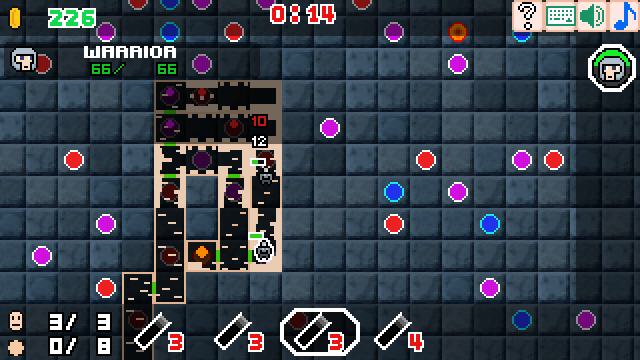
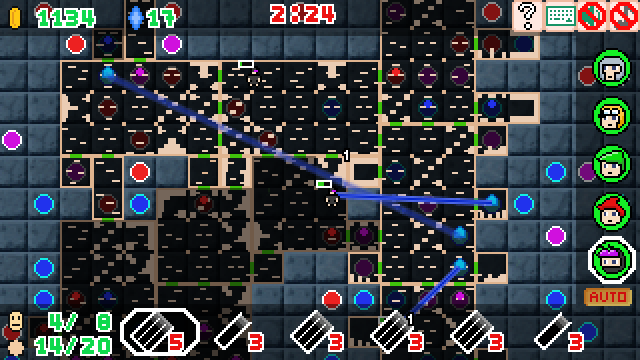
Plan your route by placing room blocks across a map filled with enemies and treasure. Every block matters as you decide which opportunities to reach before your turn ends.
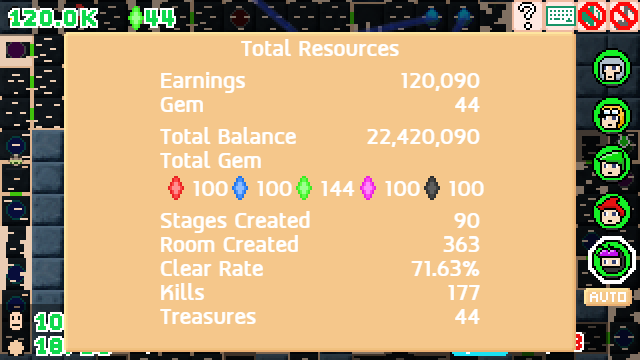
Once your path is complete, your heroes automatically explore the dungeon, defeat enemies, collect treasure, and uncover valuable resources.
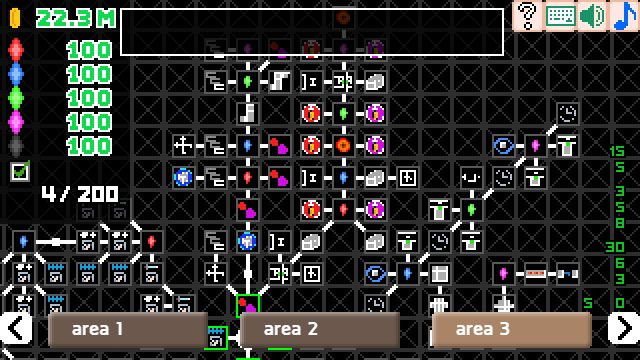
Between expeditions, unlock permanent upgrades, discover new hero classes, and expand your building options. With every run, your dungeon grows larger, your strategies become more complex, and new possibilities emerge.
Features
- Build routes using room blocks
- Plan paths toward enemies and treasure
- Watch heroes explore and battle automatically
- Unlock new hero classes through permanent progression
- Expand your dungeon with new room types and upgrades
- A new dungeon layout every expedition
How to Play
Build the Dungeon
- Reach new Spawn Rooms to unlock additional deployment locations.
- Click a Spawn Room to deploy the currently selected hero.
- Release the mouse button to place the room. Rooms cannot overlap existing ones.
- Drag from the Start Room or an existing path to extend your dungeon.
- Select one of the randomly offered room blocks.
*Clicking near the center of an empty tile will automatically connect the room to a valid adjacent room. To choose a specific connection, click closer to the room you want to connect to.
Watch Your Heroes
- Heroes explore the dungeon automatically.
- Click a hero to view their stats, including HP, Mana, and other information.
- Use the Mouse Wheel to cycle through deployed heroes.
Camera Controls
- Drag with the Mouse to move the camera.
- You can also use WASD to navigate the map.
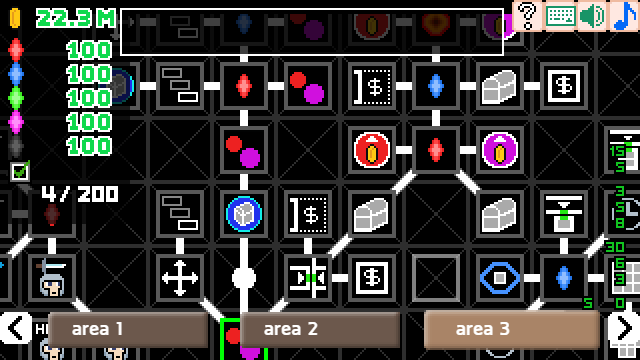
Upgrade Screen
- Click a green upgrade icon to purchase an upgrade.
- Gray icons are not yet available.
- Red icons indicate that you don't have enough resources.
- Gold icons are fully upgraded.
Navigation
- Use the Mouse Wheel to zoom out and view more of the skill tree.
- Drag with the Mouse or use WASD to navigate the upgrade map.
Development log
- Update version 1.0.221 days ago
- Update version 1.0123 days ago
Comments
Log in with itch.io to leave a comment.
unless i missed something this game is unplaying. left click does not place anything.
nvm, figured it out finally. you need to click a roomtile, then click and drag to decide direction. there is no preview or indicator. you might want to clarify your description.
I sincerely apologize, as I rushed the AI translation and didn't proofread properly.